There is no universal tension direction, screw setting or installation order that replaces your arm’s manual. Start by identifying the exact hardware and the adjustment you need.
Your decision, at a glance.
| Decision | What to look at | Next check |
|---|---|---|
| Identity | Model and manual revision | Do not copy another arm |
| Control | Lift, tilt or rotation | Identify before adjusting |
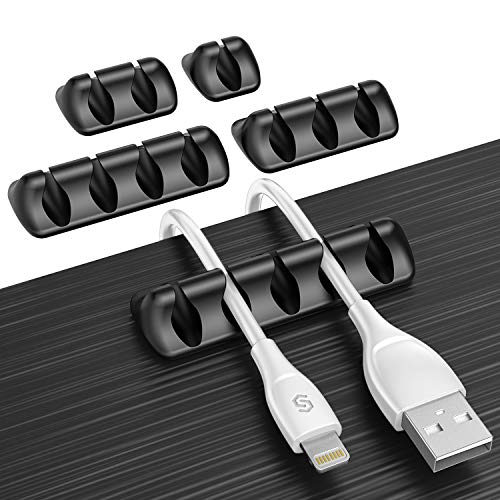
| Route | Screen and desk movement | Keep connections clear |
Find the matching instructions
Read the model label on the arm or packaging. Match the manufacturer document to that model and revision rather than a visually similar product. Confirm the screen, mounting interface, desk and fixing method meet the documented requirements.
Compare the included hardware with the parts list. Resolve missing components or adapter requirements first. Instructions for a related arm do not establish the correct bolt, spacer or mounting method for yours.
Prepare the mounting area
Clear the work area and inspect the proposed fixing point above and below the top. Leave enough space to handle the screen and follow the manufacturer’s support or assistance instructions. A cable must not become the support for a component.
If the desk construction, clamp position or hole requirement is uncertain, stop at planning. Do not modify the top because the arm appears close to fitting.
Product references for this decision
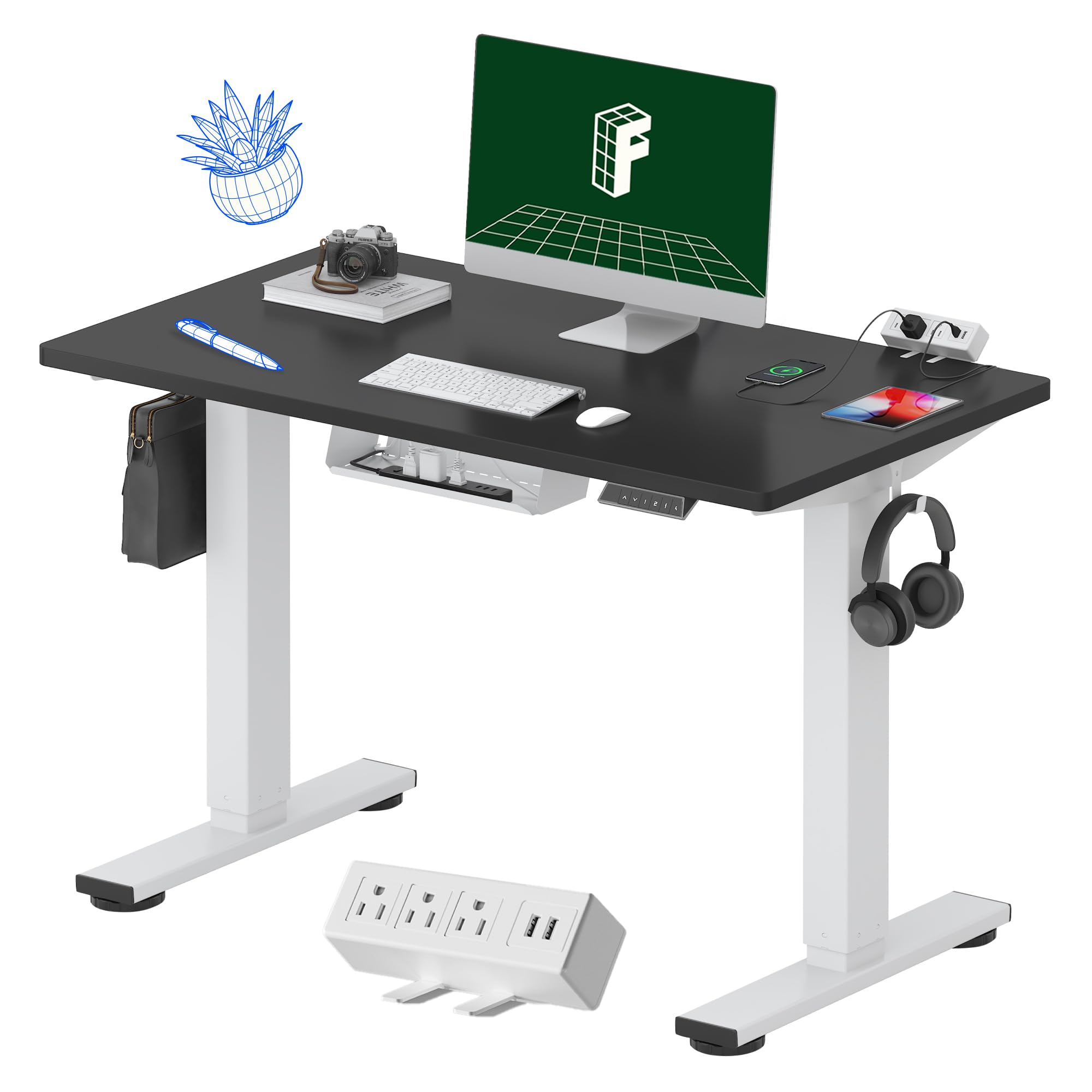
Some product links are affiliate links. Exact offers, prices and fit still need checking. Catalog images may show props that are not included.
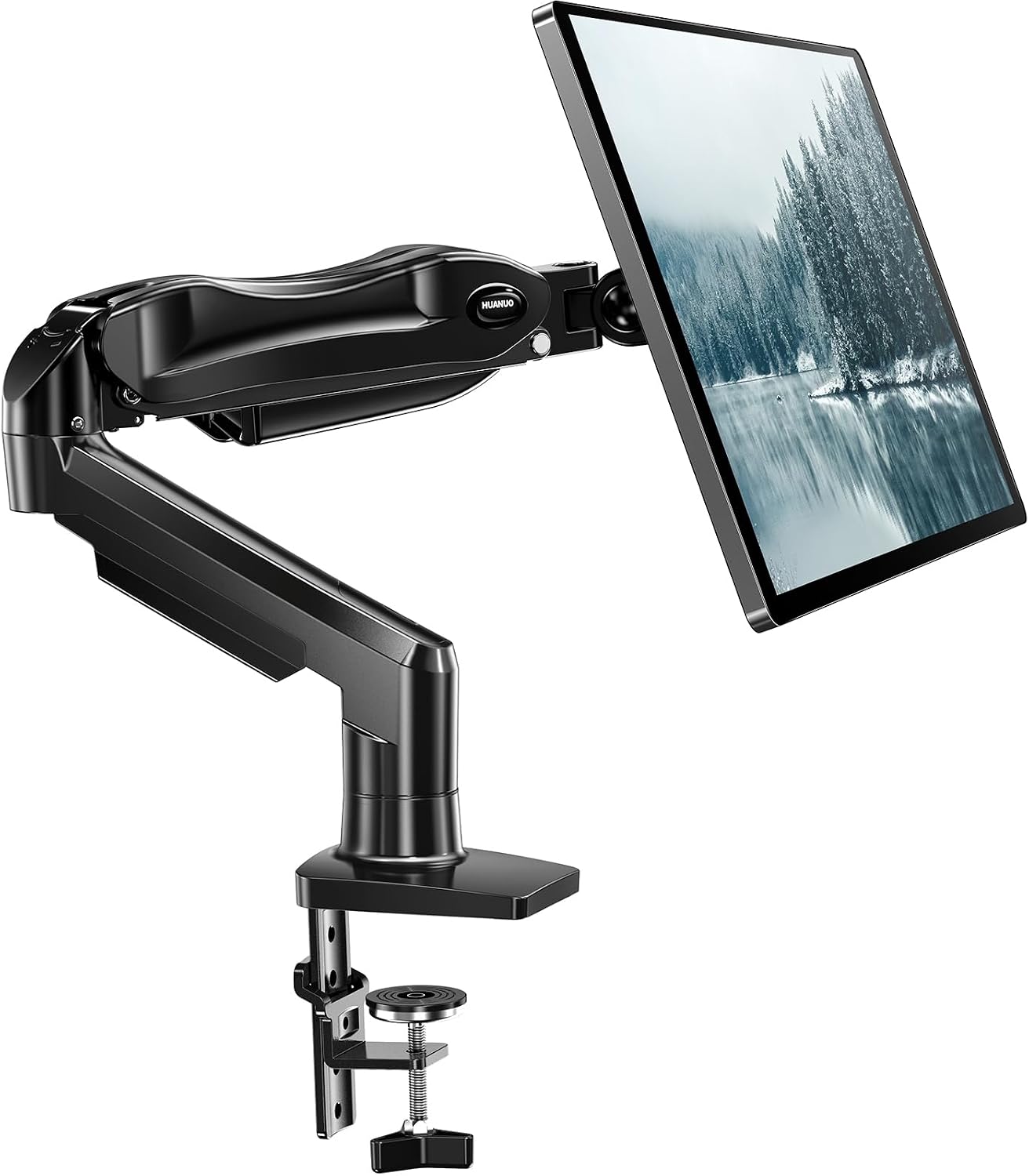
HUANUO FlowLift SS6
Compare a single-screen support when the stand occupies useful desk space. Verify the full screen–arm–desk match.
Evidence & open checks
Exact-listing snapshot: 13–32 in screens, 4.4–19.8 lb, VESA 75 × 75 / 100 × 100 mm; desktop thickness 0.59–3.54 in.
Check the exact display, desktop material, clear underside and current manual. Family-page tilt information conflicts with the listing; no angle is asserted.
Separate lift, tilt and rotation
Some controls change arm movement; others change display angle or orientation. Identify each control in the exact manual before adjusting it. A screen that tilts downward does not necessarily call for changing the lift setting.
This preview has not verified model-specific torque values, turn counts or adjustment directions, so it does not prescribe them. If a mechanism does not behave as described, contact the maker with the arm and display models rather than continuing to turn an unknown control.
Humanscale adjustment questions
The research includes questions about adjusting Humanscale arms, but the appropriate exact-model manuals have not been verified. Do not apply the HUANUO example or a generic gas-spring procedure to those products.
Find the model first, then use its manufacturer instructions for load settings, movement and display-angle controls. Describe whether the issue is vertical movement, screen tilt or the mounting point; that distinction makes a support request more useful.
Inspect the cable route
After following the manufacturer’s installation procedure, inspect connections through the movement you intend to use. Check for pulling, catching or contact with moving hardware. For a standing desk, inspect its movement according to the desk manual as well.
With two arms or displays, check both routes separately. Each side may create different clearance and cable-length requirements.
Keep a record of unresolved questions
Save the arm and monitor models, mounting method and manual version together. If the arm drops, the screen slips or the fixing moves, discontinue adjustment and follow the manufacturer’s support process.
The available HUANUO feedback includes straightforward installations and users who changed their desks. Those experiences are not permission to alter yours. This is a preparation checklist, not a replacement installation manual.
Sources & scope
Product catalog snapshot: October 19, 2026. Selected primary references checked October 20, 2026. References are not current Amazon offer, price or availability verification.
- HUANUO: SS6 product family page ↗
- Exact US listing: HUANUO B07T3KCQ94 ↗
- DeskSetupBudget: thick-desk mount comparison ↗
This is a research draft, not a hands-on review. How the research is used