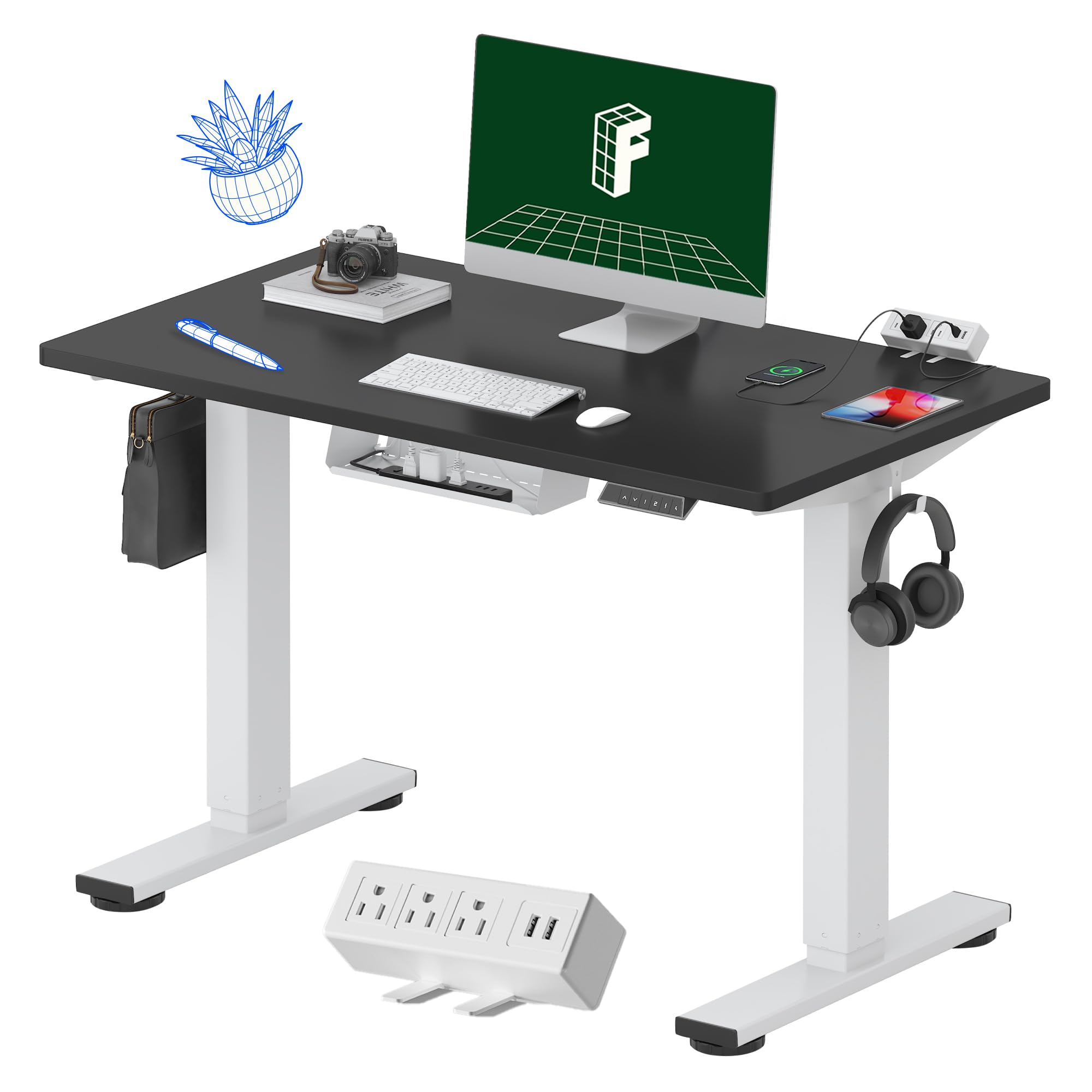
Plan the route before choosing clips or a tray. The useful outcome is a desk that remains easy to connect, move and maintain—not just a tidy photograph.
Your decision, at a glance.
| Decision | What to look at | Next check |
|---|---|---|
| Daily cables | Frequently unplugged devices | Keep connectors accessible |
| Fixed cables | Permanent equipment runs | Label each destination |
| Moving desk | Connections to fixed equipment | Follow the documented movement checks |
Make a connection map
List each device, where its cable starts, where it ends and whether it moves. Separate the connections you normally leave in place from the ones you unplug during a working day. Photograph the current connections before changing anything, and follow each device’s shutdown and connection instructions.
A charging cable for a travelling laptop needs a different landing point from a permanent monitor power lead. Keep the everyday connection reachable instead of burying it behind the entire cable bundle.
Try a loose route first
Arrange the desk equipment and place the proposed cable path without fastening it permanently. Check plug access, connector direction, drawer travel and the route to the wall. Avoid using a cable as the thing that holds a device in position.
If a cable is too short for the intended path, identify the exact replacement requirements. A connector’s shape alone does not tell you whether a cable supports the video, data or power function you need.
Product references for this decision
Some product links are affiliate links. Exact offers, prices and fit still need checking. Catalog images may show props that are not included.
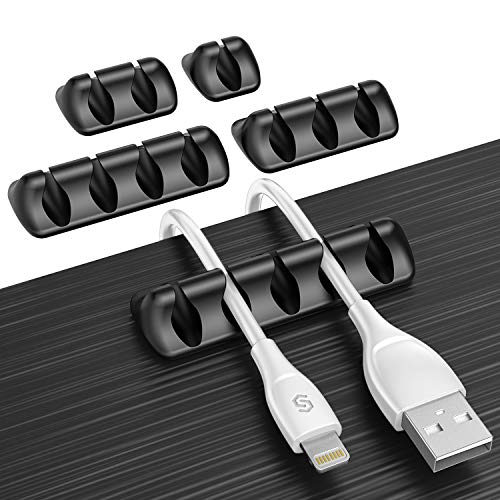
SYNCWIRE adhesive cable clips
A small routing option for frequently used cables. Cable diameter, surface suitability and the exact black variant need checking.
Evidence & open checks
Catalog identifies the black five-pack. Useful as a candidate for routing individual cables.
Verify cable diameter, surface preparation and removal instructions. Available review observations relate to a Clear variant; performance cannot be transferred to this black pack.
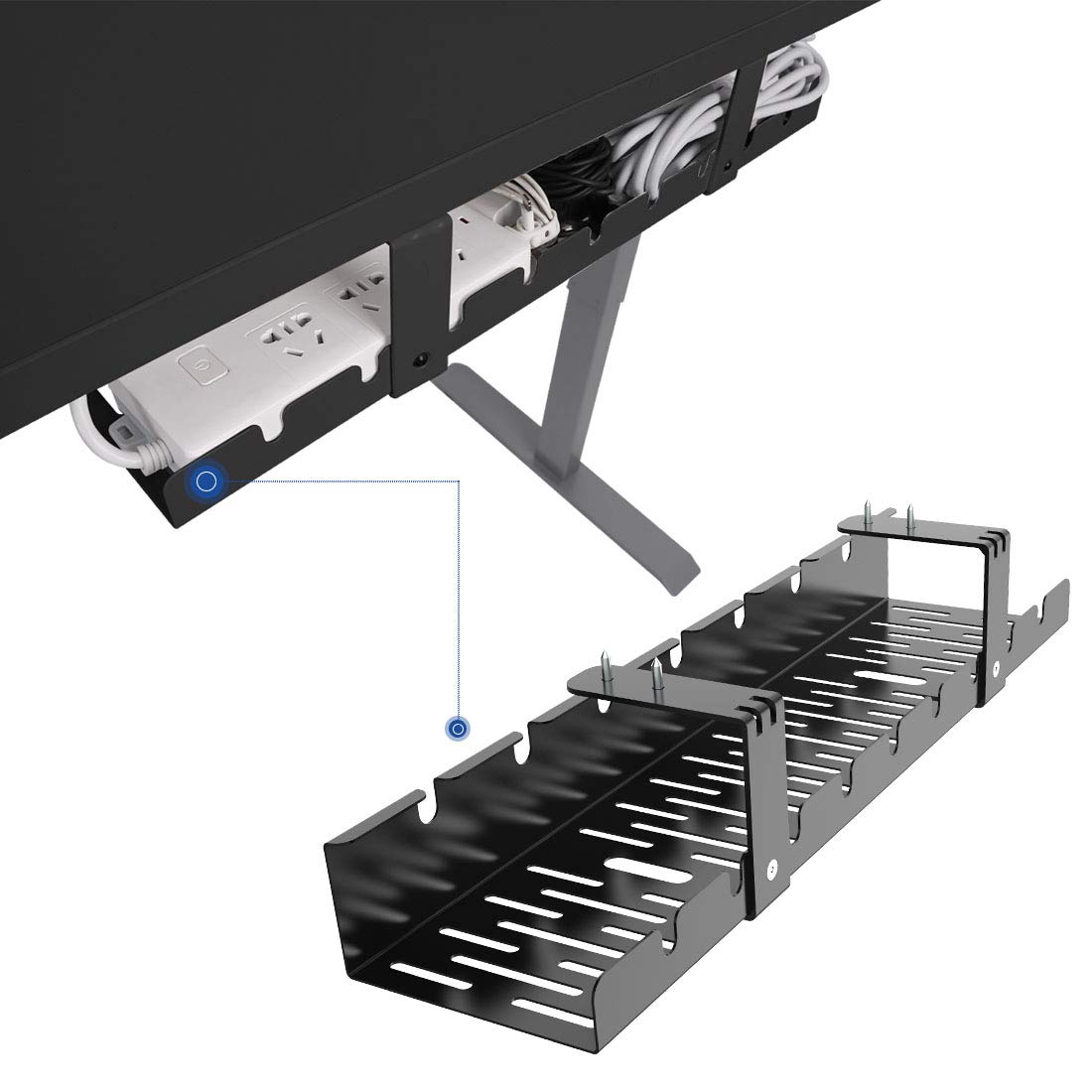
FlexiSpot metal cable tray
A screw-mounted tray reference for fixed under-desk cable runs. It is not a no-drill or universal-desktop solution.
Evidence & open checks
The exact-listing snapshot describes a black metal tray installed with six screws.
This is not a no-drill option. Confirm internal dimensions, supported load, desktop construction and safe screw depth.
Choose a fixing method for the surface
Clips can keep a daily cable end in a repeatable position. A tray can organize longer runs or suitable equipment below the worktop. A sleeve can group a run, but it does not itself secure that run to the desk.
Check the accessory’s own mounting instructions, cable diameter or usable dimensions and any stated load limit. Adhesive, clamp and screw installation have different requirements. Do not put a screw-mounted product in a no-drill shortlist simply because its photograph shows a clean desk.
Allow for movement on a standing desk
Separate things attached to the moving worktop from things that stay on the floor or wall. Check the entire intended movement range in accordance with the desk manual. A route that looks loose at one height may be pulled tight at another.
Inspect the arrangement while the desk moves, including the path past the frame. Follow the manufacturer’s procedure and stop if a cable catches, stretches or interferes with a moving part. A tidy bundle is not a reason to conceal a problem you cannot inspect.
What the feedback can—and cannot—tell us
The research sample for the SYNCWIRE clip family includes both positive and negative adhesive experiences, plus comments about cable fit. The returned reviews describe the Clear variant, while the catalog candidate is a black five-pack. Those comments suggest useful checks; they do not establish the black version’s reliability.
Ask whether the exact adhesive is intended for your surface and whether the clip opening matches your cable. Do not treat additional surface cleaning as a guaranteed remedy when the product or surface may be unsuitable.
Leave the system serviceable
Keep labels readable, connections reachable and the path understandable. Use the equipment instructions for ventilation and power arrangements; a cable organizer is not an electrical-rating upgrade. When an accessory has no clear size or load information, keep it out of the final plan until the information is available.
Finish with an ordinary task: disconnect the device you take away, open a drawer and move the desk through the range you use. The route should support those tasks rather than make them harder.
Sources & scope
Product catalog snapshot: October 19, 2026. Selected primary references checked October 20, 2026. References are not current Amazon offer, price or availability verification.
- HP: desk cable organization ↗
- Ectronic: no-drill cable organization (UK reference) ↗
- ConkerDesk: cable-management guide ↗
- Exact US listing: FlexiSpot B08D63TFH6 ↗
This is a research draft, not a hands-on review. How the research is used