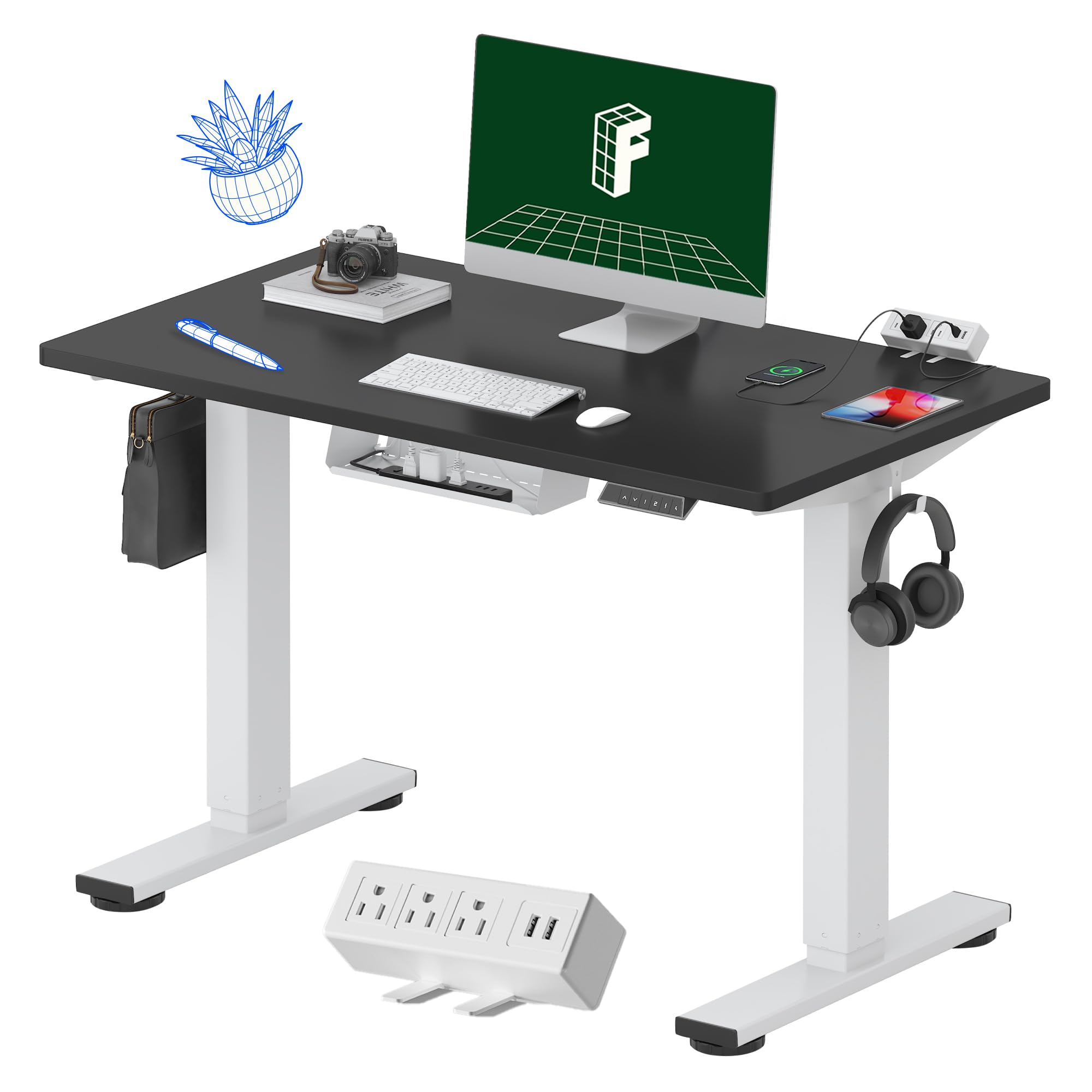
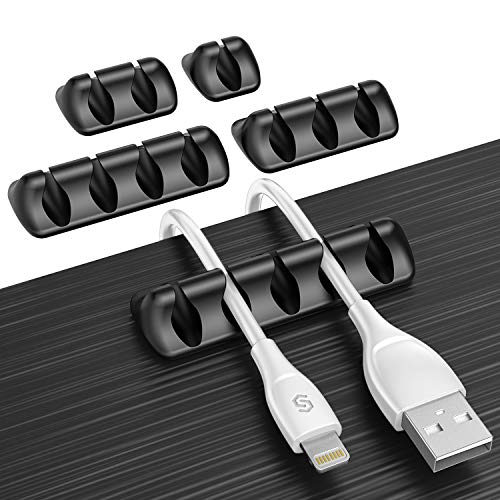
A screen-size range is only the beginning. A monitor arm has to match the display, its mounting interface and the part of the desk that will support it.
Your decision, at a glance.
| Decision | What to look at | Next check |
|---|---|---|
| Screen | Weight, interface and housing | Use exact display instructions |
| Arm | Full load and movement range | Check the exact configuration |
| Desk | Material and fixing geometry | Do not choose by thickness alone |
Record the exact display
Find the display model and its mounting documentation. Record the weight relevant to the arm’s rating, the supported VESA pattern and any required adapter or hardware. Do not substitute shipping weight or assume two monitors with the same diagonal have the same requirements.
Check the arm’s minimum as well as maximum load where specified. Curved and ultrawide displays need an exact-model check; a maximum screen-size label does not answer every tilt or mounting question.
Look below the worktop
Measure thickness at the fixing point, then inspect the underside. A frame, apron, bevel or drawer can interfere with the clamp even when the nominal thickness falls within its range. Check the desk maker’s guidance for its construction and accessory restrictions.
Compare both the upper plate and lower jaw with the available space. For grommet installation, use the arm’s documented hole and hardware requirements. Do not drill or reinforce a desk based on a generic diagram.
Product references for this decision
Some product links are affiliate links. Exact offers, prices and fit still need checking. Catalog images may show props that are not included.
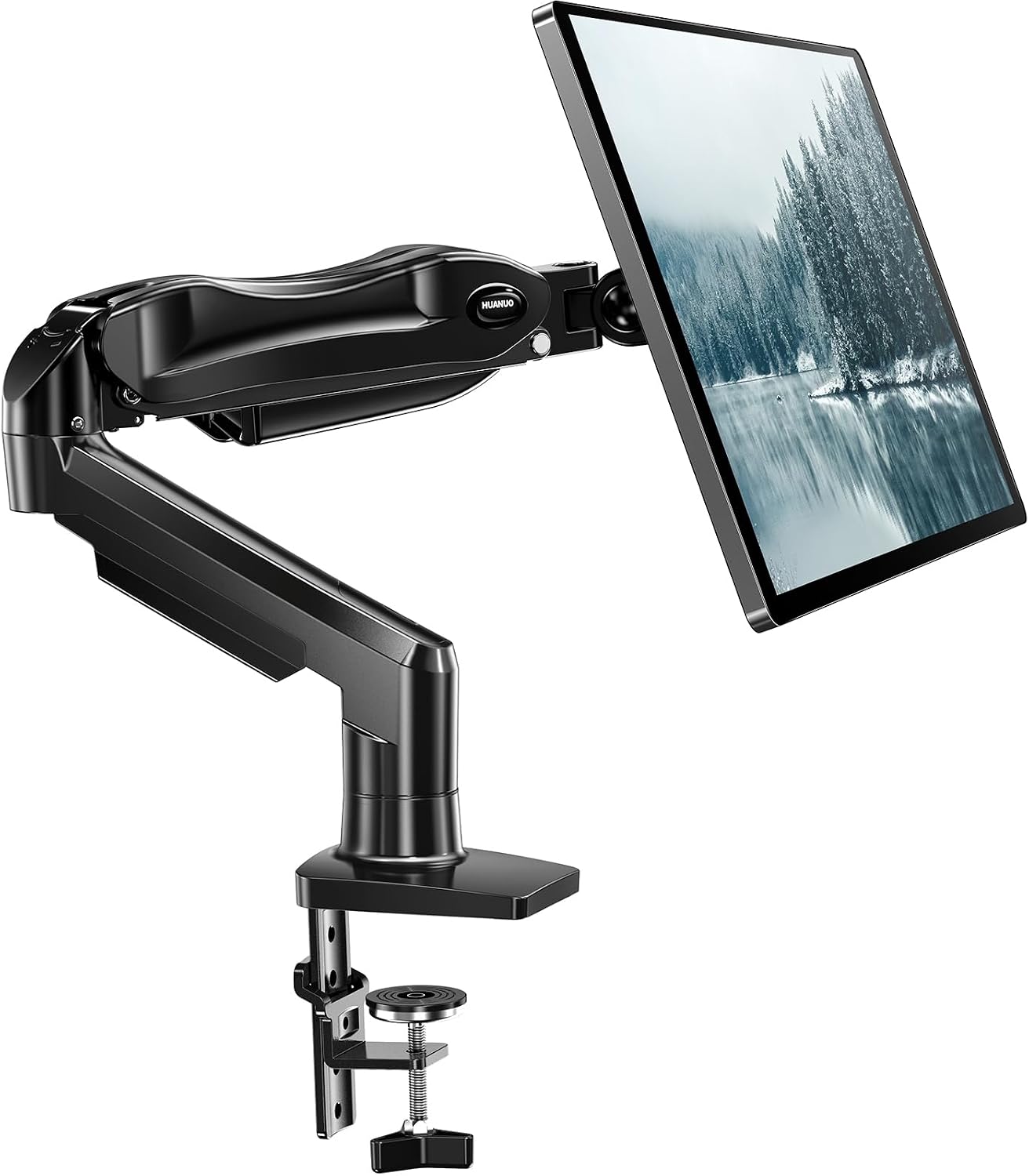
HUANUO FlowLift SS6
Compare a single-screen support when the stand occupies useful desk space. Verify the full screen–arm–desk match.
Evidence & open checks
Exact-listing snapshot: 13–32 in screens, 4.4–19.8 lb, VESA 75 × 75 / 100 × 100 mm; desktop thickness 0.59–3.54 in.
Check the exact display, desktop material, clear underside and current manual. Family-page tilt information conflicts with the listing; no angle is asserted.
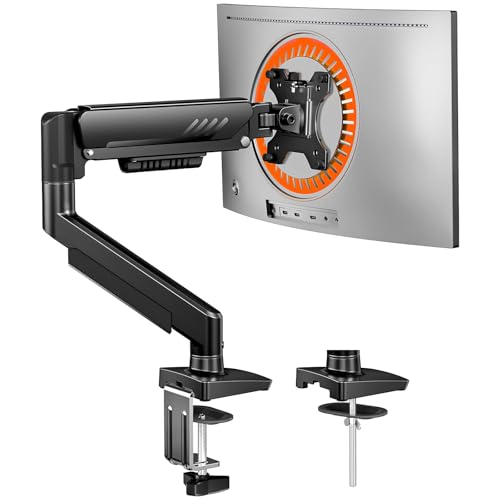
ErGear single monitor arm
Another single-arm candidate to compare only after obtaining the missing minimum-load and mounting details.
Evidence & open checks
Catalog describes 13–34 in screens and a maximum supported weight of 19.8 lb.
Minimum weight, mounting pattern and supported desktop thickness remain unverified. Do not select it from screen size alone.
Plan for movement, not just the final position
The screen may fit while the arm needs more room behind it during adjustment. Check reach, folded position, wall clearance and other clamps. Tall, low-profile and extra-long arms answer different layout needs.
For two screens, check each display and the full arrangement. A single-arm guide cannot verify a dual mount. Dedicated dual-screen and heavy-screen comparisons remain research work in this preview.
A documented example: HUANUO FlowLift SS6
The cached exact US listing for ASIN B07T3KCQ94 identifies a 13–32-inch single-screen arm with a 4.4–19.8 lb range and VESA 75 × 75 / 100 × 100. Its stated desk-thickness window is 0.59–3.54 inches. The listing also calls attention to desk material and a clear underside.
These figures belong to this exact research record. They do not establish a fit for every display or worktop within those dimensions. The family page and listing have conflicting tilt details, so no tilt angle is reproduced here.
Other candidates still need documentation
The ErGear candidate B0FQM6QB48 is described as supporting 13–34-inch screens up to 19.8 lb. Its minimum load, desk-thickness range and exact VESA details still need documentation.
The HUANUO TitanLift candidate B0DQ19YC9H has a catalog claim of up to 49 inches and 44 lb. Its manual, curved-screen conditions and desk-load requirements still need review. A higher ceiling is not a reason to skip these checks.
Compare price after compatibility
For a budget shortlist, compare documented fit, required accessories and return conditions before price. An arm that needs an unverified adapter or unsuitable fixing is not a resolved purchase.
This guide uses recorded specifications and selected feedback, not hands-on testing. No live price, stock promise or performance ranking is presented. Keep the existing support while obtaining any missing specification that determines compatibility.
Choose the right guide
This guide focuses on: choose a support for one display. For a different task, see support two displays on one system.
Choose the right guide
This guide focuses on: compare general monitor-arm fit. For a different task, see check a heavy or ultrawide display.
Compare the recorded candidates
These October 19 catalog and listing snapshots are a shortlist for verification, not a performance ranking. Compare the exact configuration before choosing.
| Candidate | Recorded information | What could rule it out |
|---|---|---|
| HUANUO FlowLift SS6 | Exact-listing snapshot: 13–32 in screens, 4.4–19.8 lb, VESA 75 × 75 / 100 × 100 mm; desktop thickness 0.59–3.54 in. | Check the exact display, desktop material, clear underside and current manual. Family-page tilt information conflicts with the listing; no angle is asserted. |
| HUANUO TitanLift | Catalog describes support for screens up to 49 in and 44 lb, with a maximum VESA pattern of 100 × 100 mm. | Catalog evidence only. Confirm minimum weight, curved-display limits, exact manual and desktop fit. |
| ErGear single monitor arm | Catalog describes 13–34 in screens and a maximum supported weight of 19.8 lb. | Minimum weight, mounting pattern and supported desktop thickness remain unverified. Do not select it from screen size alone. |
Your next decision
- Code & multiple screens: A calmer cable route
Sources & scope
Product catalog snapshot: October 19, 2026. Selected primary references checked October 20, 2026. References are not current Amazon offer, price or availability verification.
- Exact US listing: HUANUO B07T3KCQ94 ↗
- HUANUO: SS6 product family page ↗
- DeskSetupBudget: thick-desk mount comparison ↗
This is a research draft, not a hands-on review. How the research is used