Choose a monitor light bar by the monitor housing and the task below it. A screen diagonal alone cannot tell you whether the clamp, camera and light beam will work together.
Your decision, at a glance.
| Decision | What to look at | Next check |
|---|---|---|
| Mounting | Housing thickness and shape | Camera and top-edge clearance |
| Power | Exact model input | Included supply and cable |
| Light coverage | Real writing zone | Reflections at normal screen angle |
Measure the top edge as a mounting zone
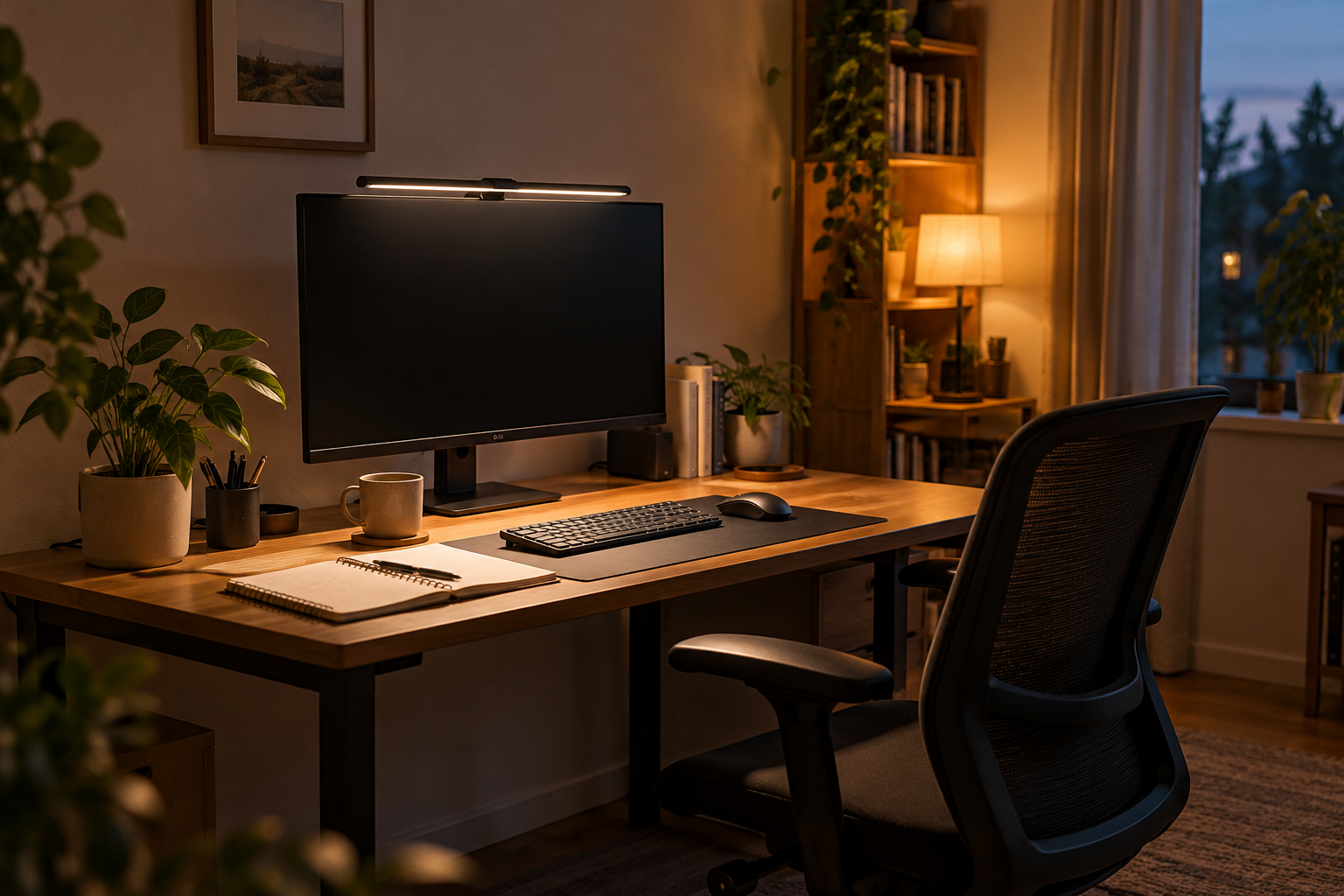
Check housing thickness, curvature and the shape of the rear cover at the actual mounting point. Look for controls, ventilation openings and a webcam already using the top edge. Follow the light maker’s exact fit requirements.
A curved screen also changes the relationship between the bar, the screen edges and the desk. A product photograph on a flat monitor does not verify that arrangement.
Keep model names separate
The recorded BenQ ScreenBar Classic specification describes 1–3 cm monitor thickness and 5 V, maximum 1 A input. These values are a bounded reference for Classic; they do not establish the requirements for Pro, Halo or another generation.
List the full light-bar model and the monitor model together. Confirm included accessories and power requirements before trying to reuse a controller, adapter or mounting part.
Product references for this decision
Source links, not affiliate links. Exact offers, prices and fit still need checking. Catalog images may show props that are not included.
not verified
BenQ ScreenBar Classic
A Classic-model reference for separating light-bar fit and power requirements from other ScreenBar versions.
Evidence & open checks
Official specifications for Classic describe 1–3 cm monitor thickness and 5 V, maximum 1 A input.
Check the exact monitor housing and model. Classic specifications do not apply automatically to Pro or Halo. No verified affiliate offer is available.
Evaluate the light at the work area
Check the illuminated surface with the monitor at its normal height and tilt. Look for reflections, shadowed writing space and interference with the camera. Keep the controls accessible after cables are routed.
No light bar has been tested here for glare, flicker, brightness uniformity or comfort. The purpose of the comparison is to identify fit and feature questions before a purchase, not to promise a health outcome.
Your next decision
- Gaming & daily work: A calmer cable route
Sources & scope
Product catalog snapshot: October 19, 2026. Selected primary references checked October 20, 2026. References are not current Amazon offer, price or availability verification.
This is a research draft, not a hands-on review. How the research is used