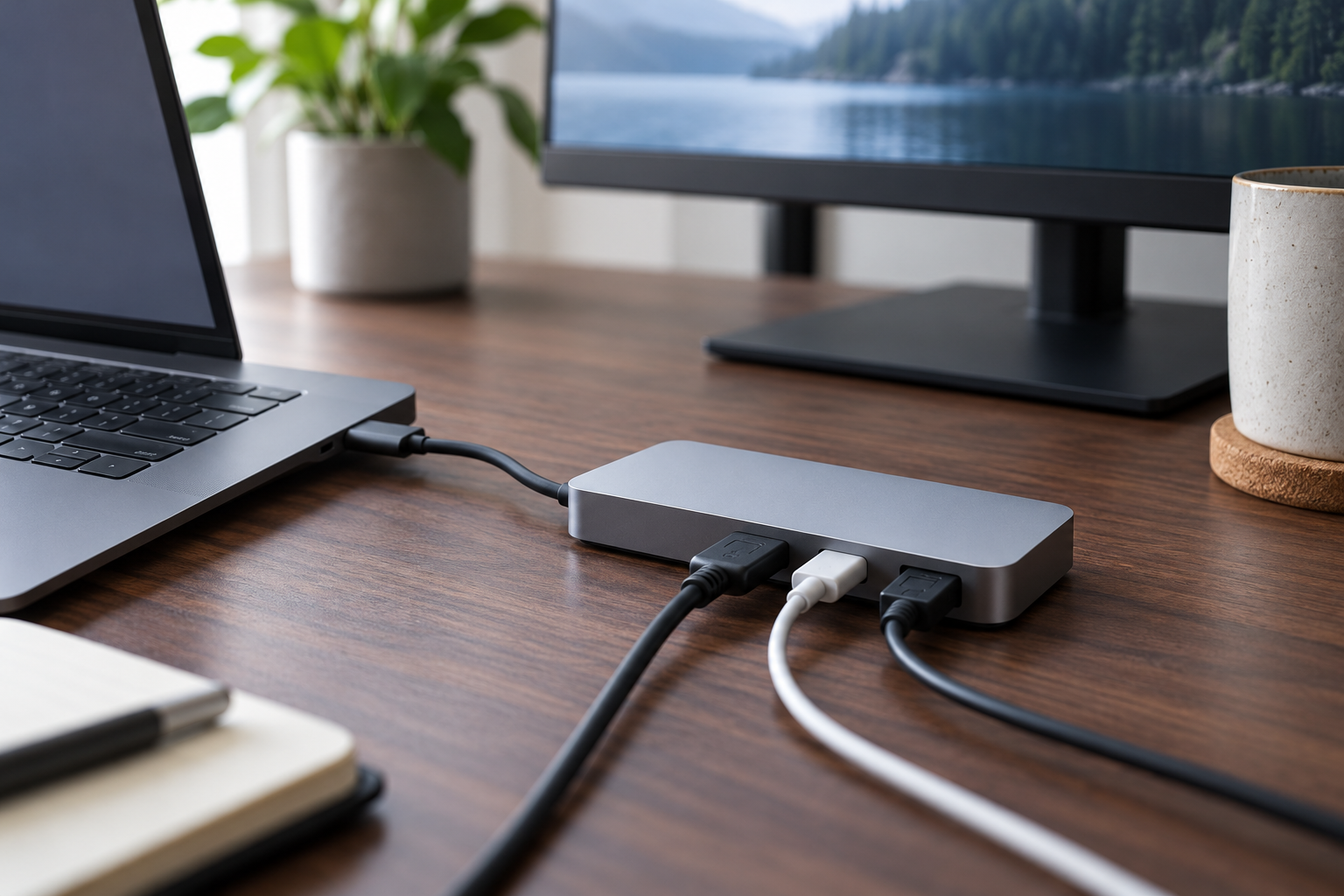
Set up a desktop workstation in two passes: first establish a working computer and display connection, then arrange the surrounding desk. This makes connection faults easier to distinguish from layout problems.
Your decision, at a glance.
| Decision | What to look at | Next check |
|---|---|---|
| Computer | Exact model and graphics configuration | Matching setup guide |
| Display | Input selected and cable path | Supported output mode |
| Desk placement | Ports and ventilation access | Service space remains usable |
Identify the actual computer
Record the exact model and installed graphics configuration. A family name such as Lenovo desktop does not identify every port arrangement or supported display mode. Locate the matching setup guide and identify which sockets are intended for the monitor.
Keep the monitor model and its selected input in the same notes. A cable connected at both ends can still leave you looking at a different input source.
Build a minimal working chain
Follow the maker’s initial setup instructions with the essential display and input devices. Add a dock, adapter or additional monitor only after the basic chain works. This is a troubleshooting sequence, not a guarantee that every computer needs the same driver or port.
Label each connection by destination. If a problem appears after one accessory is added, you have a smaller set of changes to inspect.
Arrange for maintenance
Leave access to frequently used ports, the power control and documented ventilation areas. Check that a tower shelf or cabinet does not obstruct those areas. Reserve cable slack for the movement permitted by the equipment instructions.
Save the final connection sketch with the model numbers. It is more useful for future troubleshooting than a photograph that hides all the rear connections.
Sources & scope
Product catalog snapshot: October 19, 2026. Selected primary references checked October 20, 2026. References are not current Amazon offer, price or availability verification.
This planning brief does not contain a verified exact-model specification or product ranking. Its checks define the information needed for a documented comparison; missing values are intentionally not supplied.
This is a research draft, not a hands-on review. How the research is used